Organizations that set up single sign-on with Okta or a custom OAuth 2.0 provider before login email domains were introduced now find their domain already filled in under Authentication settings, together with the text record to publish. Add the record to your domain's DNS and click Verify domain. Once verified, members can find your provider from the login page by entering their email, existing Tuist accounts are linked to your provider when they sign in, and single sign-on enforcement, if enabled, also applies to new sign-ups from your domain.
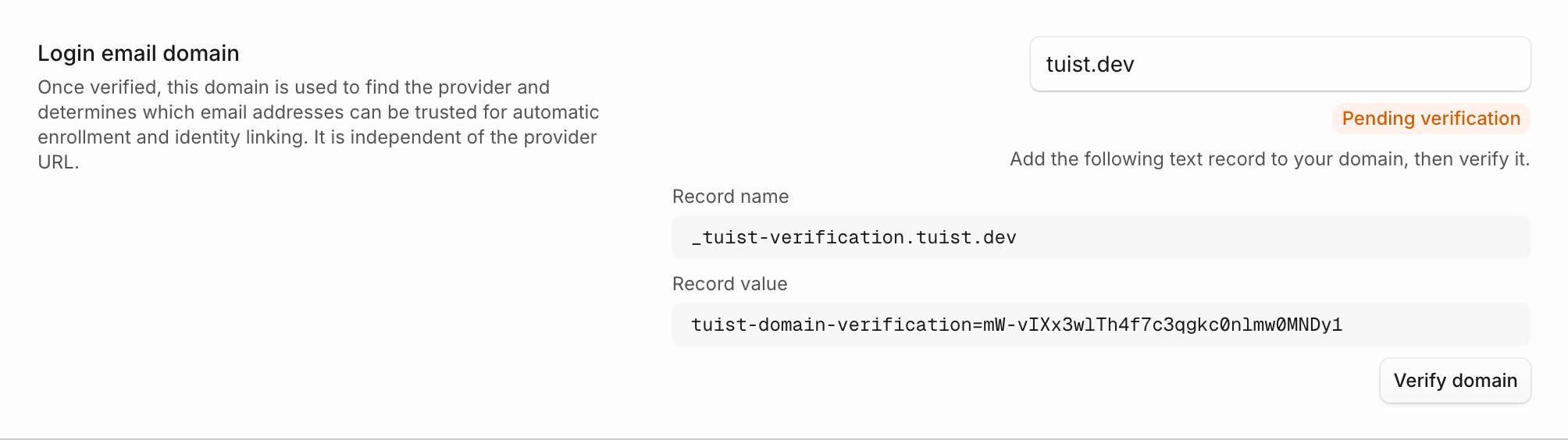
Nothing changes until you verify: sign-in, enforcement, and automatic enrollment keep working as they do today. Verifying also limits automatic enrollment to addresses on your domain, rather than any address your provider reports.
Domains verified from now on are also re-checked daily, so keep the record published. If the record stops resolving, the settings show Verification expiring along with the record to publish again. The domain stays verified for 14 days, so a temporary DNS problem does not interrupt sign-in.