Tuist Previews: SDK and Tracks for app previews
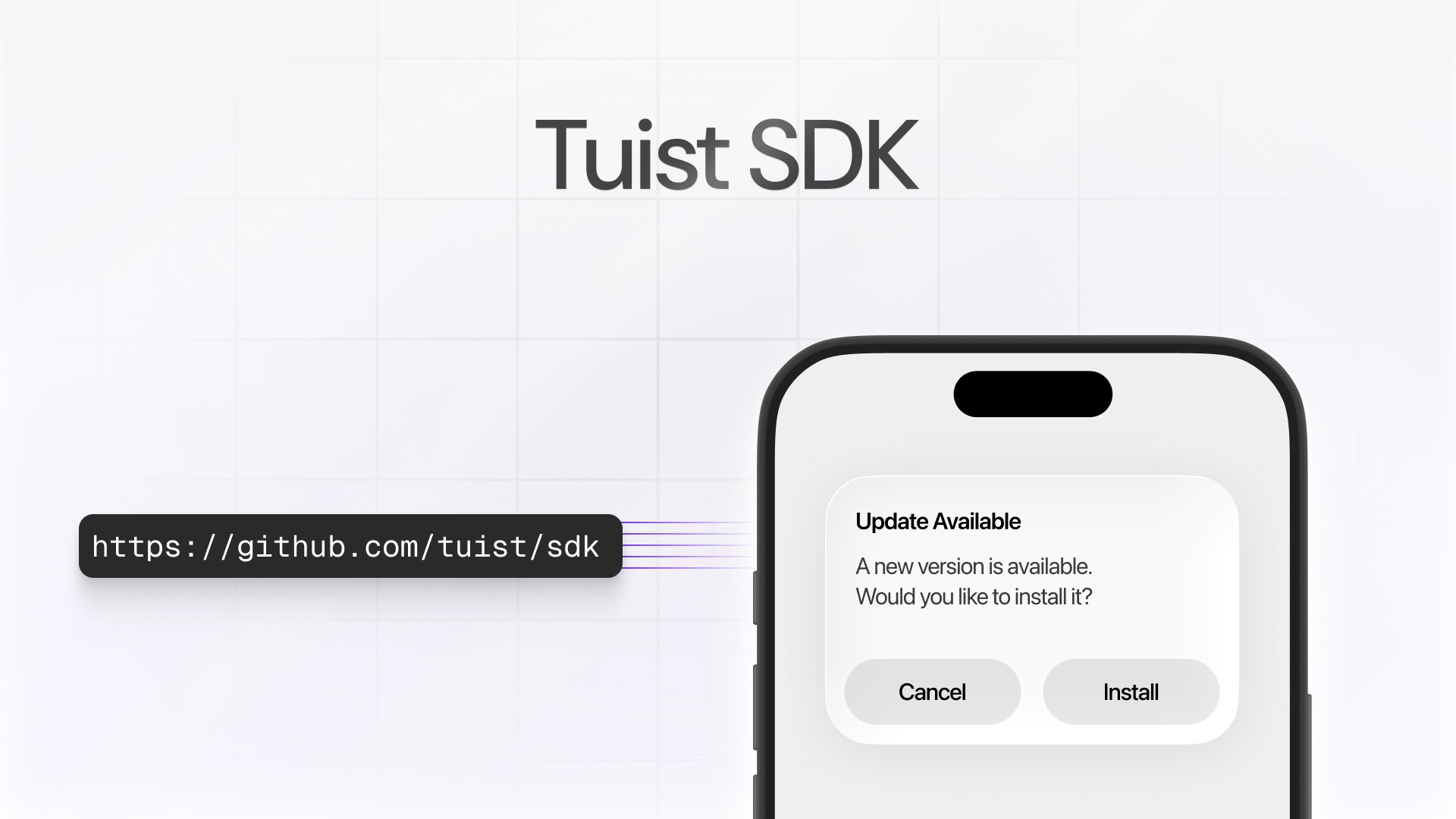
Over a year ago, we introduced Tuist Previews with a simple premise: sharing an app preview should be as easy as sending a link. The traditional flow of building, signing, and pushing to TestFlight was too cumbersome for quick feedback loops.
Initially, we focused on minimizing friction for developers, introducing features like posting comments directly in your pull requests, allowing anyone to click a link and start testing without checking out a branch or waiting for a local build.
But as teams adopted previews, it became clear we needed to expand our primary audience beyond engineers. Product managers wanted to see features before they shipped. QA teams needed consistent access to the latest builds. Leadership wanted to stay informed about what's coming.
Today, we're taking the first steps in that direction with the new Tuist SDK and tracks.
The Tuist SDK: In-app update notifications
Here's a common problem: you share a preview with a tester, they find an issue, you fix it and share a new preview. But the tester is still using the old build. They don't know a new version is available.
The Tuist SDK solves this by enabling your app to detect when a newer preview is available and notify users. Add the SDK to your project:
.package(url: "https://github.com/tuist/sdk", .upToNextMajor(from: "0.1.0"))
Then start monitoring for updates:
import TuistSDK

struct MyApp: App {
    var body: some Scene {
        WindowGroup {
            ContentView()
                .task {
                    TuistSDK(
                        fullHandle: "myorg/myapp",
                        apiKey: "your-api-key"
                    )
                    .monitorPreviewUpdates()
                }
        }
    }
}
When a newer preview is available, the SDK will present an alert prompting the user to update:
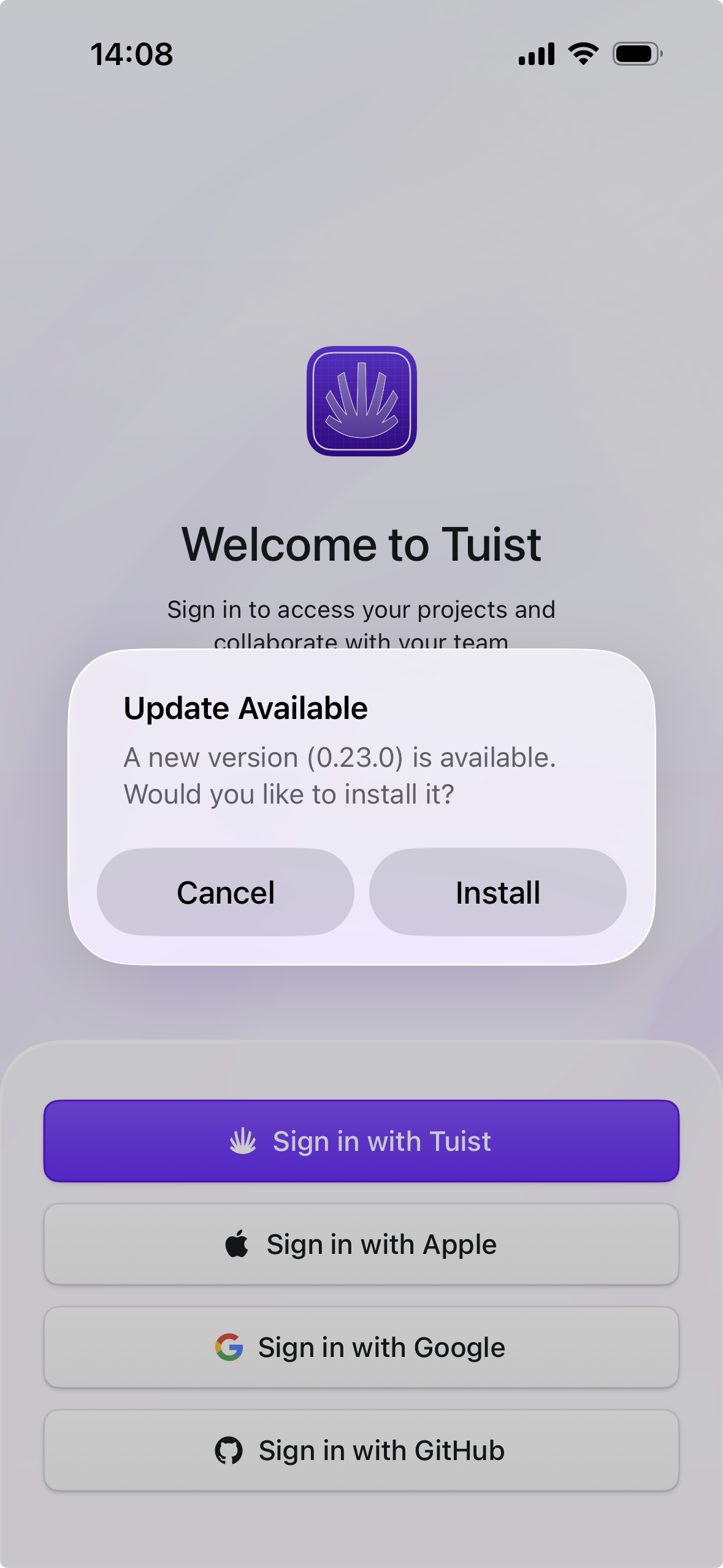
Update checking is automatically disabled on simulators and App Store builds, so you don't need to worry about conditional compilation.
For more control, you can perform a single update check instead of continuous monitoring:
let sdk = TuistSDK(
    fullHandle: "myorg/myapp",
    apiKey: "your-api-key"
)

if let preview = try await sdk.checkForUpdate() {
    print("New version available: \(preview.version ?? "unknown")")
}
Tracks: Control which updates to notify about
By default, the SDK checks for updates within the same git branch. A preview built from main will only notify about newer previews also built from main. This works well for PR-based workflows, but what about nightly builds, beta releases, or internal testing that aren't tied to a specific branch?
Tracks let you organize previews into named groups and control which updates the SDK notifies about:
tuist share App --track beta
tuist share App --track nightly
Tracks are lazily created – specify a track name and it will be created automatically if it doesn't exist. When you share a preview with --track beta, the SDK will only notify users about newer previews on the beta track.
This is useful for several scenarios:
- Beta testing: Share stable builds with external testers on a
betatrack, keeping them on vetted releases rather than every commit - Nightly builds: Automate nightly builds to a
nightlytrack for internal QA - Feature demos: Create a
demotrack for product reviews and stakeholder presentations
What's next
We're excited to take previews even further. We will soon start working on distribution groups – the ability to define groups of users who should receive specific previews. You will be able to add your QA team to a qa group and having them automatically notified whenever a new preview is shared to the nightly track.
We're also exploring Android support. As previews expand beyond engineering, teams expect a single way to share their apps – regardless of platform. A product manager shouldn't need different tools to test iOS and Android builds. QA teams shouldn't have to learn separate workflows. With Android support, you'd share previews the same way across both platforms, and testers would receive updates through the same SDK. If your team builds for both platforms and you're interested in bringing previews to Android, reach out to us – we'd love to hear about your use case.