Tuist now publishes to Entire Trails, next to its GitHub and Cursor Origin integrations. Each open or draft Trail gets a Tuist gate with the run report, and failed or flaky tests appear as Findings that link straight to the test case on Tuist.
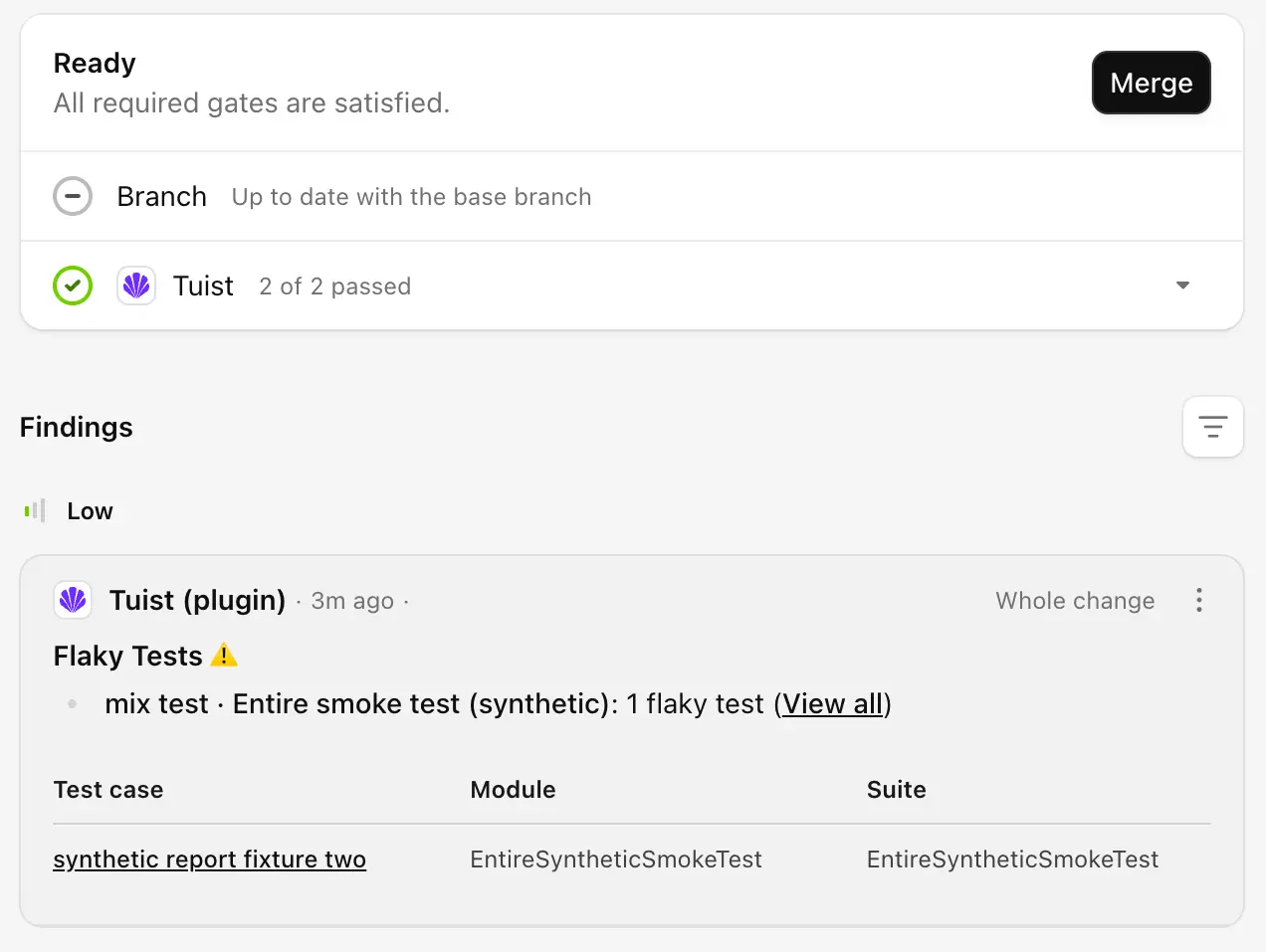
The screenshot shows a test fixture that is labeled synthetic.
- Follows the Trail head: Tuist matches uploaded insights to the Trail's current commit, so a report always describes the code under review. When a newer report arrives, Tuist resolves findings it no longer contains.
- Informs without blocking: the Tuist gate reports what your uploads observed and never blocks merging, even when there are findings. Keep your CI provider's required checks for pass/fail enforcement.
- No CI changes: keep uploading builds and tests with your existing Tuist commands. Tuist does not need Entire-specific flags, its CI executor, or access to your source code.
The integration is in early access. To get started, open your account's Settings → Integrations, select Install Entire plugin, then add a project connection. See the Entire integration guide for setup and self-hosted configuration.