The Tuist dashboard now has a search menu. Press ⌘K on macOS or Ctrl+K elsewhere, or click Search at the top of the sidebar, then start typing.
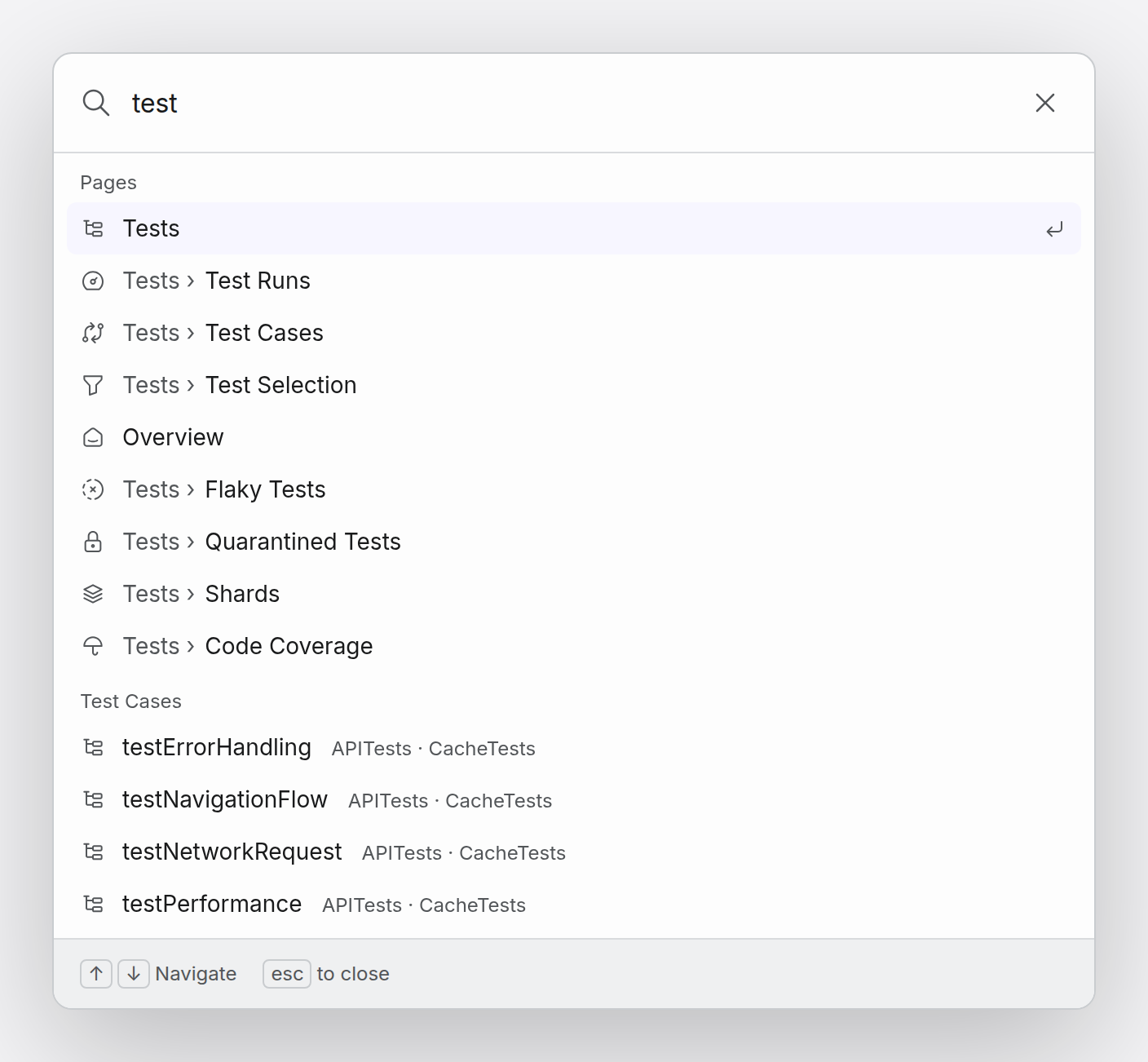
- Pages: jump to any dashboard page you have access to, such as Tests › Flaky Tests or Settings › Integrations. With an empty query, the menu lists the pages you visited recently.
- Projects, test cases, and previews: find them by name.
- Builds and test runs: paste a run's ID or its dashboard link, or ask for runs with
is:buildoris:test-run.
Search follows where you are. On a project's pages it searches that project, and on account pages it searches all of the account's projects. Add project: to search another project. To open the selected page in a different project, press Shift+Enter.
Combine filters to narrow results, for example is:test-run status:failed branch:main. The available filters are is:, project:, branch:, commit:, status:, date:, and pr:, and the menu suggests them as you type. Build and test run lookups cover the last 30 days.