Every CI job runs on a fresh virtual machine, so Docker starts with nothing on disk. A job that runs in a container:, starts services: or runs docker pull downloads and unpacks every layer of every image, each time. For a large job container, the "Initialize containers" step alone takes close to a minute.
With the image cache, each repository keeps its own Docker data root on a cache volume. A Linux job starts with the images and build cache the repository's earlier jobs pulled and built already in place, so job containers, services and docker pull, docker run and docker build in your steps find their layers locally. In our tests, a job with a 2.3 GB job container and a Postgres service went from about a minute in "Initialize containers" to about 6 seconds, with no layer downloaded.
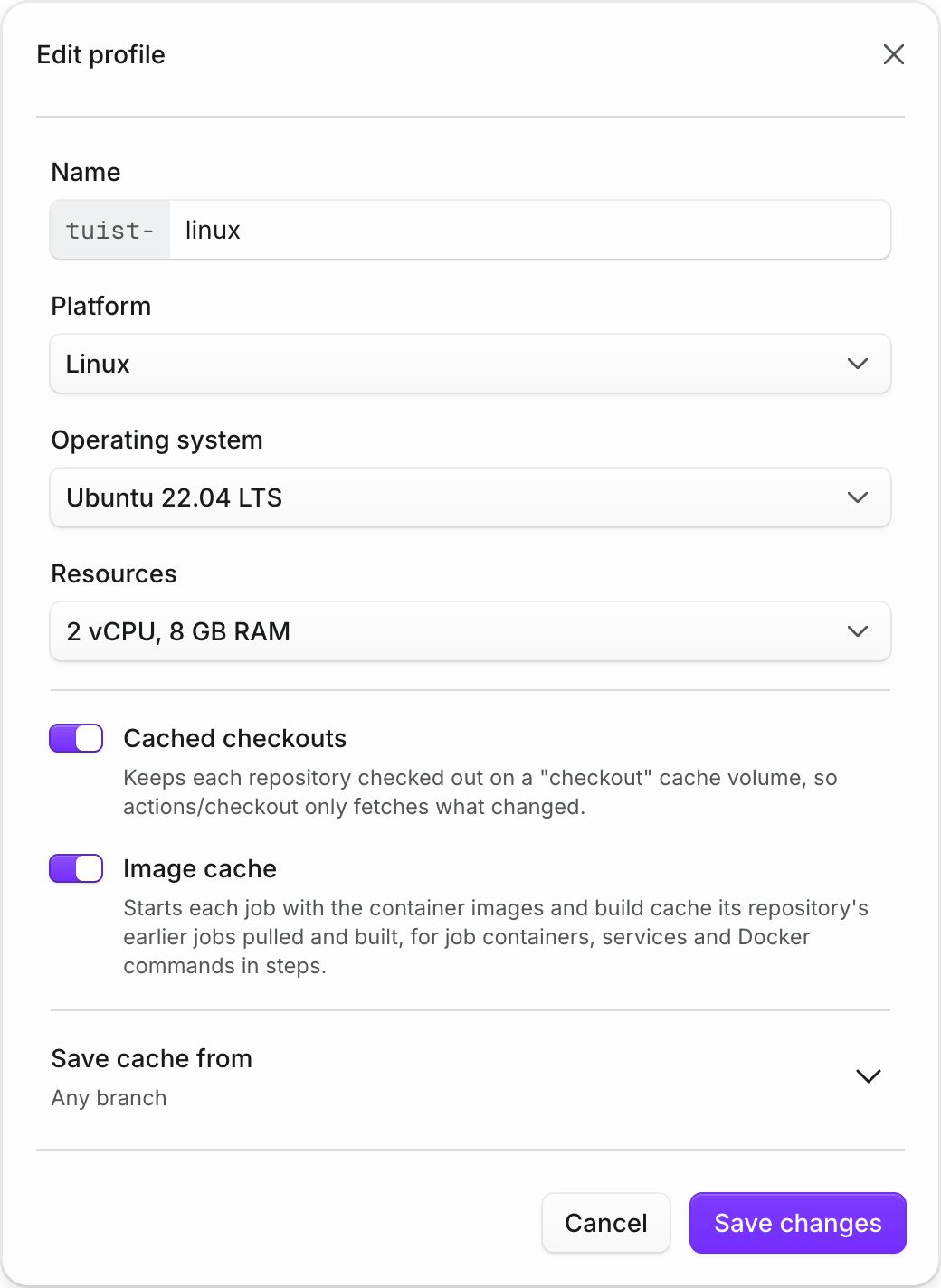
Your workflows don't change. A repository gets an image cache after one of its Linux jobs uses Docker, and jobs that run at the same time combine the images they add instead of overwriting each other. Every image name is still resolved and authorized against its registry in each job, so a moved tag such as :latest always gives you the new image, and each repository only ever sees images its own jobs pulled. Pull requests from forks never read or write the cache, and only jobs that may save your caches update it.
The image cache is on by default for Linux profiles. To turn it off, open Runners → Profiles, edit the Linux profile your workflows use in runs-on:, and turn off Image cache. Each repository's cache appears as Image cache under Runners → Volumes, where its page lists the saved images, shows how long jobs took to start their containers, and lets you clear it. Image cache storage is not billed.